

Are you ready to validate your UiPath skills and take your career to the next level? Follow this step-by-step guide to register for your UiPath certification exam on the Pearson VUE platform.
Access the Registration Page
Visit the official registration portal here:
👉 https://www.pearsonvue.com/us/en/uipath.html
- Login or Create an Account
Sign in with your Pearson VUE account. If you don’t have one, you’ll need to create a new account.

- Choose “View Exams” or Enter Access Code
Some exams are only available with a private access code. If you have one, enter it to proceed.

- Search for the Certification Exam
Use the search bar or browse the list to find the UiPath certification exam you want to take. - Select Your Preferred Exam Delivery Method
You have three options:
- Test Center: Take the exam at a certified testing center.
- Online via OnVUE: Take the exam from home with online proctoring.
- Enter Private Code: For restricted-access exams. You need to Enter the code if select this option
- Test Center: Take the exam at a certified testing center.


Requirements for Each Delivery Option
- Test Center Exams: Bring a valid ID and follow the onsite rules regarding personal belongings.
- Online (OnVUE) Exams: Prepare a quiet space, a working laptop with a camera, and a valid ID. Be ready to check in 30 minutes before your scheduled time.


Proceed with Booking
- Click “Next” to Continue
After Selecting Preferred Exam Delivery Method, click Next

- Agree to the Policies
Read and accept the terms and conditions. - Select Exam Language
Choose your preferred language for the exam. - Choose Your Time Zone
- Pick an Exam Date and Time
You can explore more available time slots. Double-check the A.M. and P.M. selections to avoid confusion. - Click “Book This Appointment”
- Proceed to Checkout


Check the information exam and choose Proceed to Checkout

- Complete Payment
Follow the payment instructions to finalize your registration.

📌 Tip: Be sure to prepare all necessary materials and review exam policies before your scheduled test day.
Good luck with your UiPath certification journey! 🚀

Related Posts
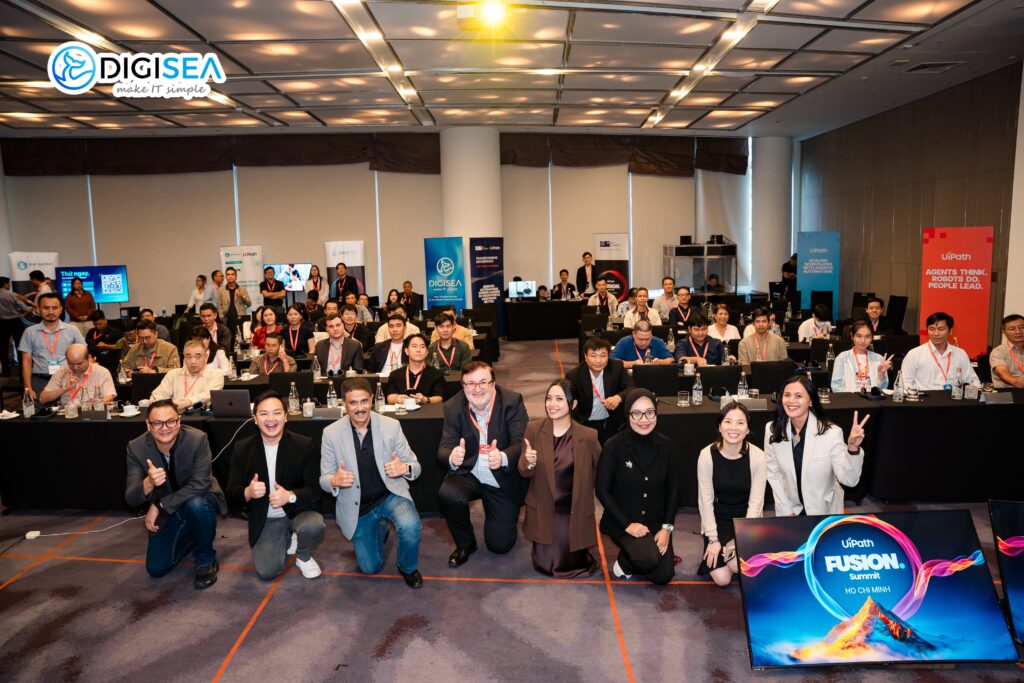
UiPath Fusion Summit Ho Chi Minh 2026
DigiSea was honored to participate alongside UiPath at Fusion APAC...

UiPath vs Power Automate vs Automation Anywhere Nên Chọn Giải Pháp Nào?
So sánh UiPath vs Power Automate vs Automation Anywhere về...
Mua License UiPath Ở Đâu? Hướng Dẫn Chọn Đối Tác UiPath Tại Việt Nam
Mua license UiPath ở đâu uy tín? Hướng dẫn chọn...